How much screen time for a 6 to 8 year old?
The toddler rule was simple: about an hour. For school-age kids the official advice quietly changes shape, and most parents never get told why.
On this page
Your six-year-old comes home, drops the bag, and asks for the tablet before the shoes are even off. By seven or eight there's homework on a screen too, a maths app the school recommended, a reading game, a video about volcanoes that somehow turns into nine videos about volcanoes. The neat hour-a-day rule you followed when they were three has started to feel like it belongs to a different child.
It sort of does. The advice for this age genuinely changes, and almost nobody explains the change to parents. So here's what the guidelines actually say once your child crosses out of the toddler years, why the magic number quietly disappears, and what good balance looks like in a house with school and homework and a kid who has opinions now.
Is there still a screen time limit for a 6 to 8 year old?
Short answer: not the way there used to be. And that surprises a lot of parents.
For the under-fives, the numbers are firm. The American Academy of Pediatrics points to about an hour a day of good content for the two-to-five group, and the World Health Organization is firmer still at the youngest end. We walked through all of that in our guide to screen time for 2 to 5 year olds.
Once your child turns six, the AAP deliberately stops handing out a single hour cap. Instead of a number, it asks families to make a plan. Their current guidance leans on the quality of what kids do on screens and the balance with everything else, rather than minutes counted to the second.
The reasoning is fairly sensible once you sit with it. A blanket hour made sense for a two-year-old, where almost any screen displaces something better. An eight-year-old's screen time is a mixed bag now: some of it is homework, some is a video call with a cousin, some is a slow afternoon of cartoons, and some is the jumpy, engineered stuff that's hard to climb out of. Lumping all of that into one number tells you very little. What it's doing, and what it pushes out of the day, tells you almost everything.
So the question shifts. Less "how many minutes today" and more "is screen time crowding out sleep, movement, meals, homework and plain face-to-face time". The WHO frames the active side of that balance plainly for this age group: children five to seventeen should get at least an hour a day of moderate-to-vigorous activity and keep recreational screen time in check. The screens aren't the enemy. They're just one tenant competing for room in the day, and the day only has so much room.
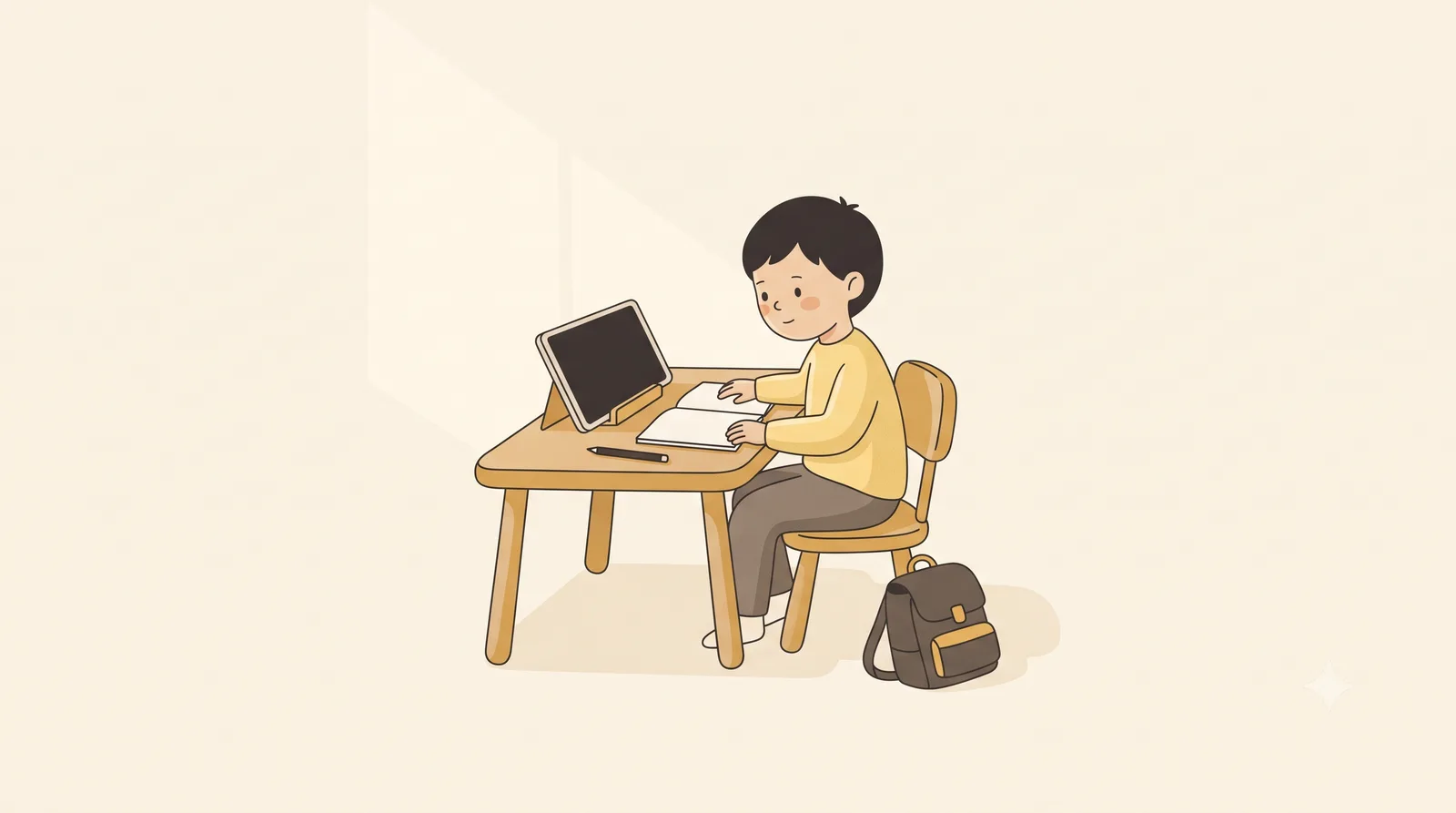
What does a good balance actually look like?
It looks less like a stopwatch and more like a short list of things that have to happen regardless.
The AAP's own tool for this is the Family Media Plan, a free thing on HealthyChildren.org where you set the priorities for your particular household. You don't need the formal version to borrow the idea, which is simply: protect the non-negotiables first, and let screens fill what's left rather than the other way round.
Sleep is the big one, and it's the one screens steal most quietly. A school-age child needs a solid stretch of it, and a bright, busy screen right up to lights-out makes settling harder. Easiest fix going: screens off and out of the bedroom for the half-hour or hour before bed, the same screen-free zone the AAP suggests starting with. Bedtime tends to go smoother almost immediately.
Then movement, meals and people. An hour of running about, dinner with phones away, a bit of unstructured, slightly boring time where the child has to invent something. None of this requires a chart on the fridge. It just means screens come after these, not instead of them. If those boxes are getting ticked on a normal day, the exact screen total matters far less than it feels like it should.
Quality is the other half, and it's where you get the most return. A slow documentary your child actually talks about afterwards is a different thing entirely from a feed of short clips designed to make stopping feel impossible. You can usually tell the difference by how they come off it. Calm and chatty, or wired and cross. Steer towards the first kind, and you've done more good than trimming twenty minutes off the second ever would.
What about homework and learning on screens?
This is the bit that wrong-foots parents, and fairly. You spend years treating the screen as the thing to limit, and then the school sends home a reading app and a maths game and a portal you're supposed to log into. Suddenly the screen is the homework.
The honest way through is to stop counting all screen time as one lump. A child working through a maths app the teacher set is not doing the same thing to their brain or their evening as a child half-lost in autoplay. The first is effortful and finite; it ends when the work ends. The second is built to never quite end. Treating them as identical, and feeling guilty about the homework hour, helps no one.
In plenty of Indian homes this lands hard, because the school's app-based homework arrives in the same evening as the cricket highlights and the cartoon the younger sibling has put on. It can feel like the whole house has gone to screens at once. A rough split in your own head helps: there's screen time that's work or genuine connection, and there's screen time that's filler. You're keeping an eye on the filler. The homework is just homework. It happens to glow.
One thing worth doing, though: schoolwork on a screen is still close, sustained near-focus, and that's the part that tires young eyes whatever the content. So the same eye-care habits apply to the maths app as to the cartoon, maybe more so, because the homework session is often the longest unbroken stretch of the day. Which brings us to the part of this that has nothing to do with minutes at all.
How do you protect your child's eyes during all that screen time?
Here's the thing the screen-time debate usually skips. However you land on the hours, the way your child uses a screen matters just as much to their eyes as how long they're on it. And that part you can fix without any argument over time at all.
Distance first, because it's the one with the biggest payoff. Children pull screens right up to their faces, and close, sustained focus is the tiring bit. The American Optometric Association recommends keeping a device around an arm's length away, roughly 30 cm or more, rather than letting it drift up to the nose. There's more on why distance matters so much in our guide to safe screen distance for children.
Breaks are the next lever. The AOA's 20-20-20 rule is the easy version: every twenty minutes, look at something about twenty feet away for twenty seconds, which simply lets the focusing muscles relax. A six-year-old won't time it, so you build it in: a glass of water, a stretch, a quick look out the window between levels or chapters. The aim is just to stop the eyes locking at one close distance for an hour straight.
This is where a small tool can quietly take the distance part off your plate. On Android, our own app, Guby, was built for roughly this age range. Instead of nagging about time, it minds the distance: when the phone creeps in too close to a young face, a friendly owl steps in to cover the screen, then slips aside the moment the child eases it back. It doesn't shorten anything or police the clock. It just makes the screen time that's already happening, homework included, a little kinder on growing eyes, without you having to hover.
And the strongest eye-health move of all happens off the screen entirely. Time outdoors. The American Academy of Ophthalmology points to daylight as genuinely protective for young eyes, with more outdoor time linked to less short-sightedness, even in children who are otherwise prone to it. We dig into that properly in our piece on outdoor time and your child's eyesight. For an eight-year-old buried in homework apps and after-school screens, an hour in the park isn't only a break from the device. It's doing real protective work the screen can't undo.
None of this is medical advice, and if your child squints at the board, sits unusually close, or rubs their eyes a lot, that's a conversation for their eye doctor rather than a blog. But for the everyday, ordinary business of a school-age kid who lives partly on screens now, the recipe is calmer than the toddler years made it feel. Protect sleep and movement and meals, care more about what's on the screen than the exact count, mind the distance, take breaks, get them outside. The hour-a-day rule didn't vanish because the rules got slack. It grew up, the same way your child did.
Found this useful?
Send it to a parent who’d want it.
Related reading
The healthy-screen-habits checklist for kids
Seven small habits that protect young eyes, from arm's length to outdoor light to the screen-free wind-down before bed. A checklist you can actually keep.
children's eyes · screen time · screen distance
How far should a child sit from the TV?
Sitting close to the telly won't ruin your child's eyes, despite what your grandmother said. But it can quietly tell you something worth knowing.
children's eyes · screen distance · screen time